
They look like pixels, not like LEDs
Sixty-four LEDs in a grid still look like sixty-four LEDs. What fixed it was a 3D printed grid with a wall around every light, and there is no code in it anywhere.
Sixty-four LEDs in an 8x8 grid, powered up, driven by the ESP32, showing whatever I told it to show. And it looked like sixty-four LEDs.
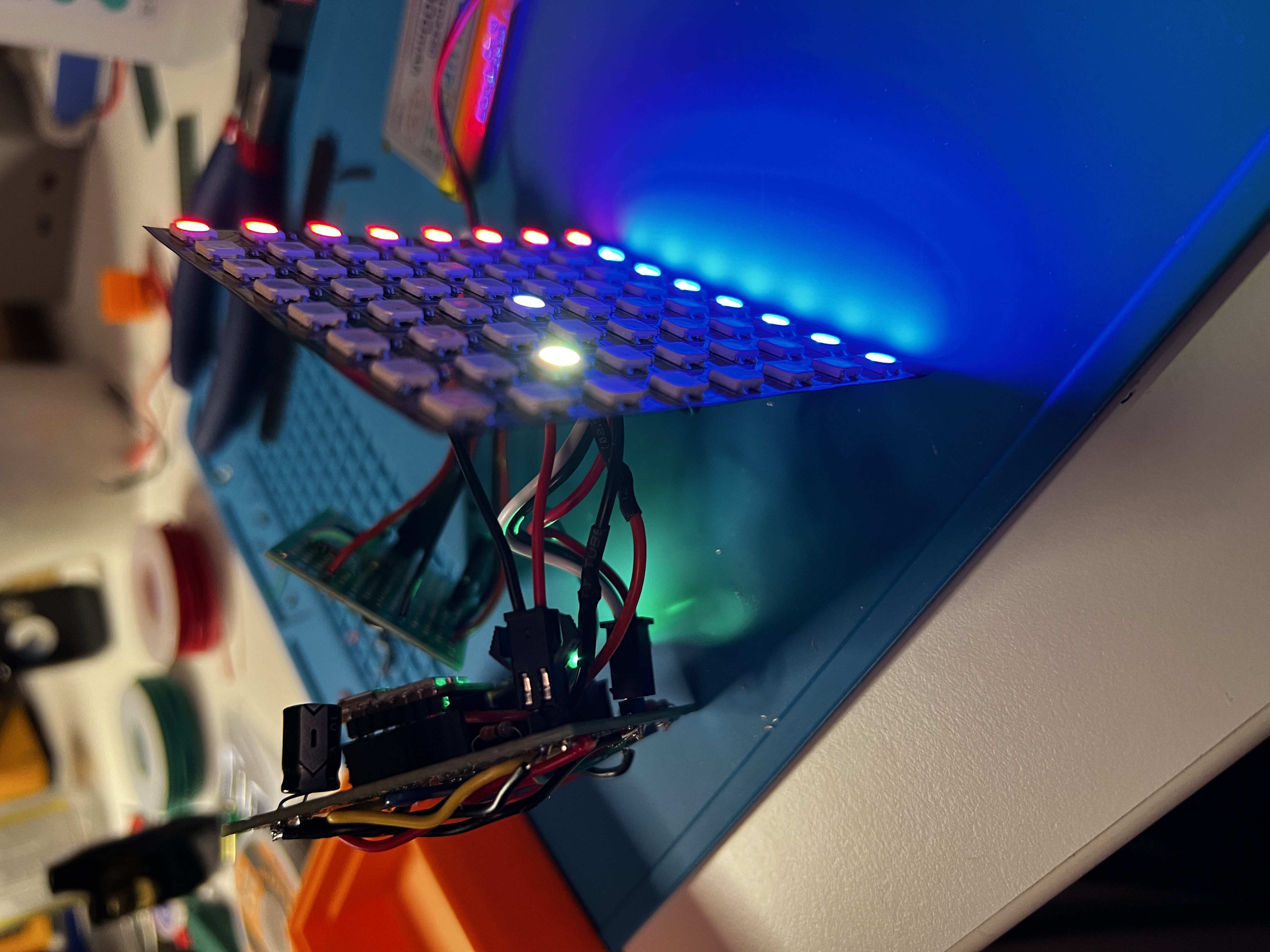
An LED is a point. A bright dot with a dark gap around it, and your eye goes to the dot. Worse, the light from each one spills sideways into its neighbours, so the picture is a set of glowing blobs with soft edges bleeding into each other. What I wanted was a screen.
The fix is two parts. A 3D printed grid, one square cell per LED with walls between them, and a white top layer sitting over the whole thing. Mine are separate pieces, though there is no reason they have to be.
The same tile later, in its enclosure and running off a battery.
The diffuser. Holy shit. Adding the grid is what made it feel real. They look like pixels now, not like LEDs.
The walls are doing the work. Each cell’s walls block the light coming from the neighbouring LEDs, so the patch of top layer over that cell only ever sees the one light underneath it. Nothing bleeds sideways. You get a discrete square instead of a glow with a soft edge, and a grid of discrete squares is what a pixel display is.
There is no code in this. It’s a purely optical trick.
It works on a TV
Hold the grid up against a real display and you see the pixel art version of whatever is underneath. I was amazed the effect works on any screen.
The panel has one LED per cell. A TV has hundreds of its own pixels packed behind each cell, so instead of isolating one light, the cell averages all of them into one colour. Same walls doing a different job.
The other thing the walls decide is the shape. A pixel is a square here because the cells are square, and there is no reason they have to be. I have only printed the one so far. The rest are still an idea.
all Glint updates